Solutions / IT infrastructure
UPS for Server Rooms and IT Infrastructure
Plan UPS backup power for servers, storage and networking. Review operating load, connection types, shutdown requirements and rack space.

THE EQUIPMENT YOU NEED TO PROTECT
Start with the critical load.
Keep essential IT workloads supported through interruptions, with enough backup time for continuity or a controlled shutdown.
CONFIGURATION APPROACH
Match the power.
Check the conditions.
Review UPS capacity, compatible batteries and power connections together. For rack projects, include mounting depth, free U space, weight and rail compatibility in the selection.
What shapes the selection
- Operating load in kW and kVA, including planned growth
- Input voltage and phase, output sockets or terminals
- Backup time and supported battery expansion
- Rack dimensions, ventilation and maintenance access
RELATED PRODUCTS
UPS options for server rooms and IT infrastructure.
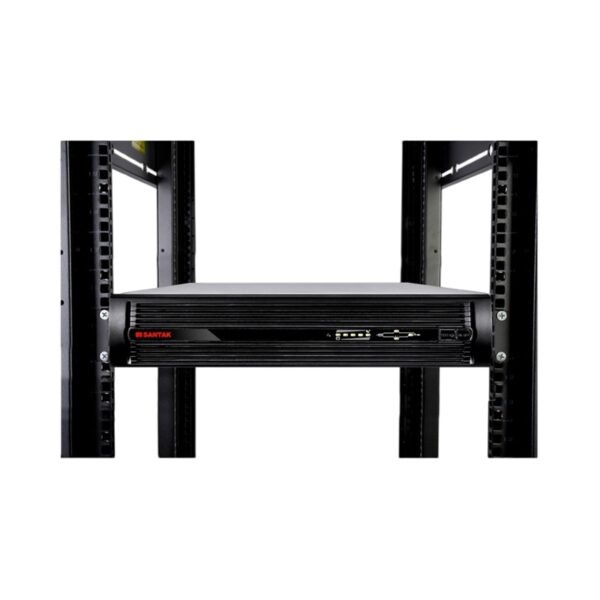
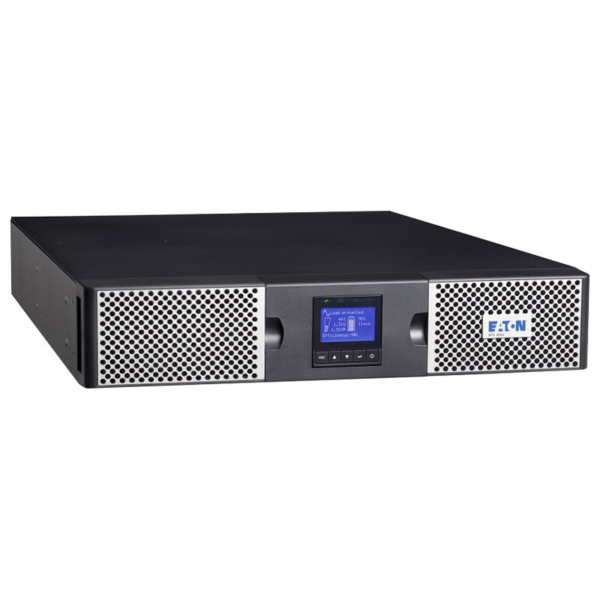
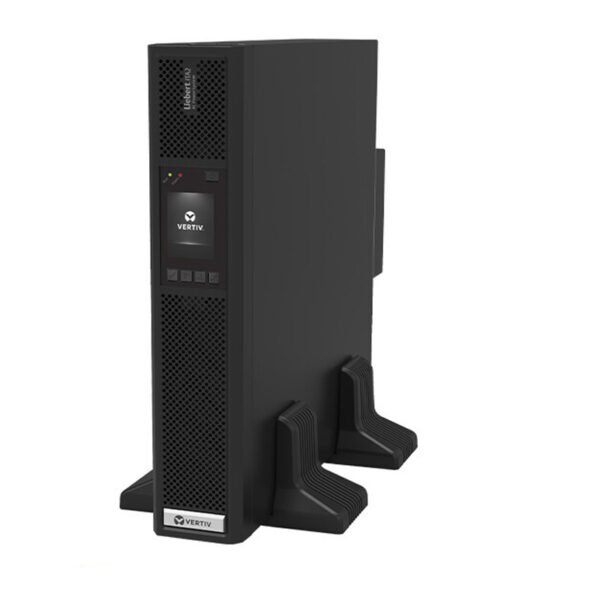
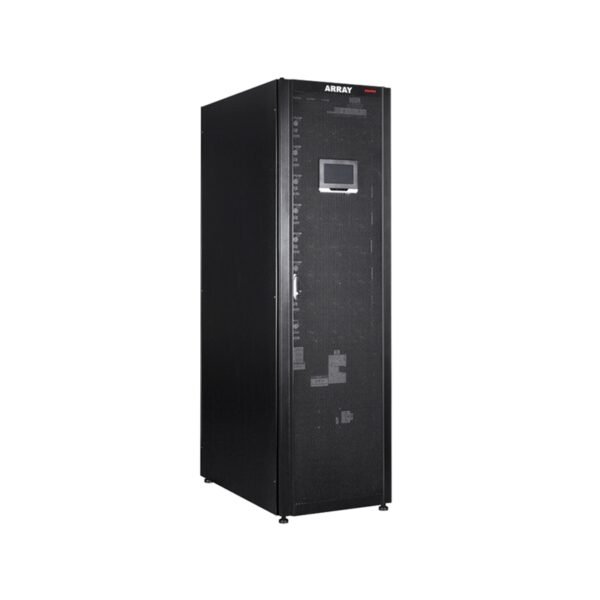
Compare rack UPS options for equipment cabinets with modular systems for larger room-level loads. Check capacity, input supply, mounting space, communications and battery requirements for the proposed configuration.
PREPARE YOUR REQUIREMENTS
Share what you know.
Equipment list and load, supply voltage, target runtime, rack dimensions and free U space, output connections and expansion plans.
Missing a parameter? Start with the equipment models or describe the application.
Your configuration proposal
After the relevant details are confirmed, we can provide:
- UPS and battery configuration recommendations
- A proposed product list and relevant specifications
- A quotation based on the agreed products
COMMON QUESTIONS
Plan with clarity.
How do I choose between rack and tower UPS?
Start with the deployment layout. Rack selection requires checks on available U space, mounting depth, rails, weight and ventilation. Tower configurations require suitable floor space and access. Both must match the electrical load and backup-time requirement.
Can a UPS provide time for a controlled shutdown?
Yes, an appropriate configuration can support a shutdown window. The runtime must be checked at the actual load, and any shutdown software or communication interface must be compatible with the selected UPS and IT systems.
How should future IT growth be considered?
Share the additional equipment and expected load. We can review capacity headroom, battery needs and whether a modular or alternative configuration is appropriate.
Match the UPS to the IT load
Include network switches, storage and management equipment in the protected-load list. Confirm orderly shutdown requirements and communication compatibility. Compare rack mount UPS products and review the selection guide.
Let’s plan your backup power.
Share your equipment, voltage and target backup time.